Why is there a SayCandid logo on my videos?
On Free, a small see-through SayCandid watermark sits in the bottom-right corner of your videos. With Pro you can turn it off.
1 min read
That's the SayCandid watermark. On Free it sits in the bottom-right corner of every video, a little in from the edge, and it's see-through so it doesn't hide your customer.
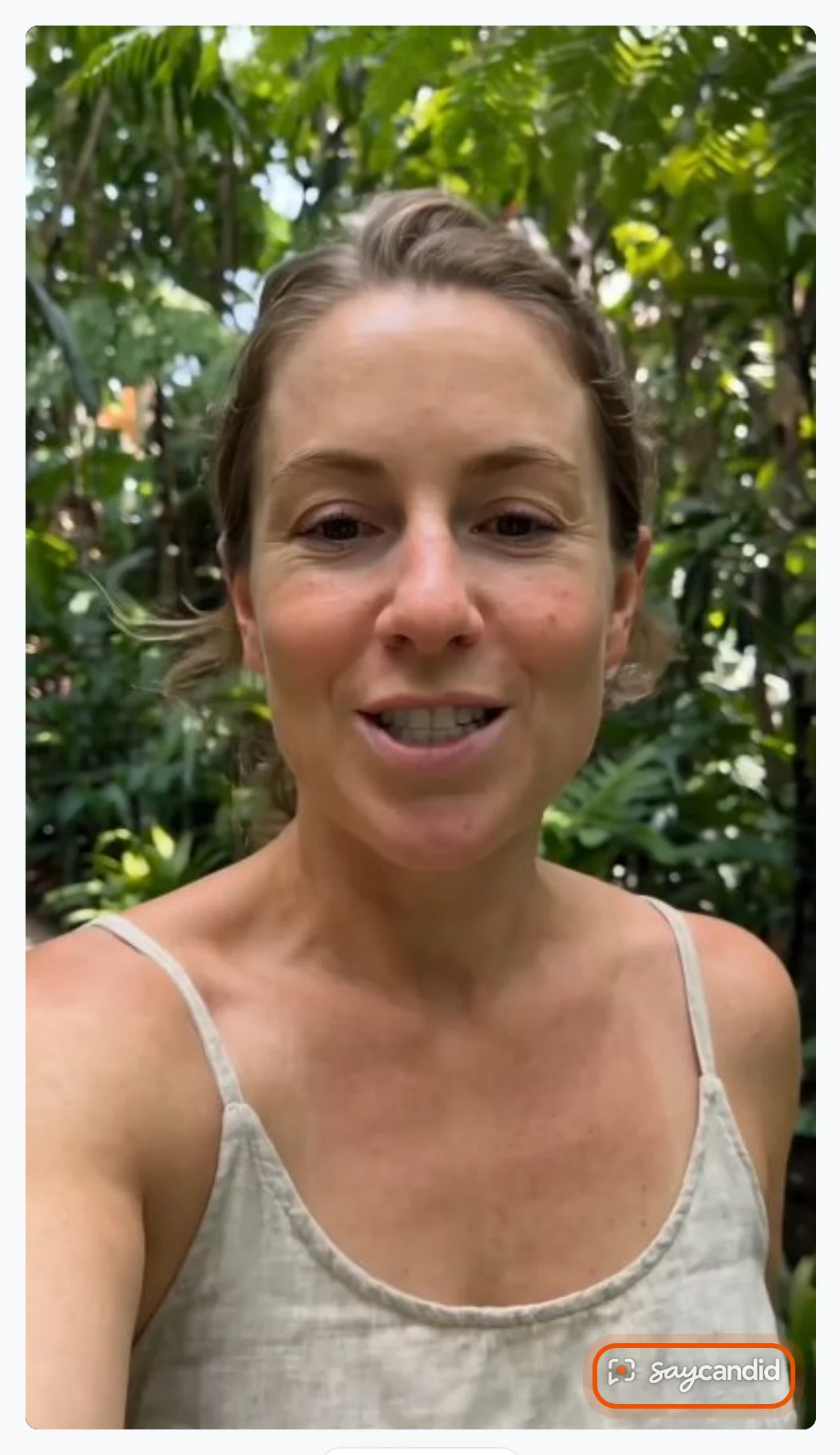
Where it shows
- On your website, on every video in your widget.
- In SayCandid, when you watch and edit your videos.
- In every file you download: Download for ads and Download original.
Your customers never see it while they record or check their video before sending. It only appears once the video is in your account.
When you change the shape
The watermark stays in the bottom-right corner of the frame you pick in Shape. Drag or zoom the frame and it moves with it, so it's never cut off. See How do I change the shape for Instagram, Reels or YouTube?
Turn it off
With Pro, open Settings → Business and turn off SayCandid watermark on your videos, then press Save. See Can I remove the SayCandid label and watermark?
Related
Didn’t solve it?
Search in your own words, or try the fix-it guides.