How do I put videos on my website?
Make a widget, add your videos, copy one piece of code and paste it on your site once. After that it updates itself.
2 min read
A widget is a block of your videos that sits on a page of your website. You set it up in SayCandid and paste its code on your site once. From then on, every video you add shows up there by itself.
1. Add your videos
- Press Widget on the left. If you have no widget yet, press Create widget.
- In the Videos step, press Add videos, tick the videos you want and add them. (Only approved videos can go on.)
- Drag them to change the order. The first one shows first.
Want a different look? Try the Layout, Style and Header steps. See How do I change how the videos look?
2. Copy the code
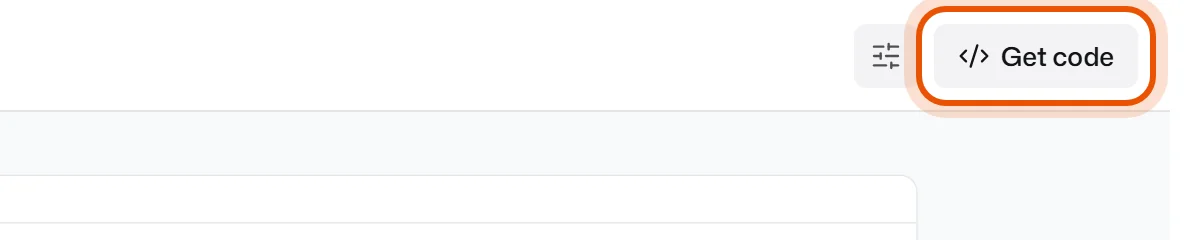
- Press Get code at the top right.
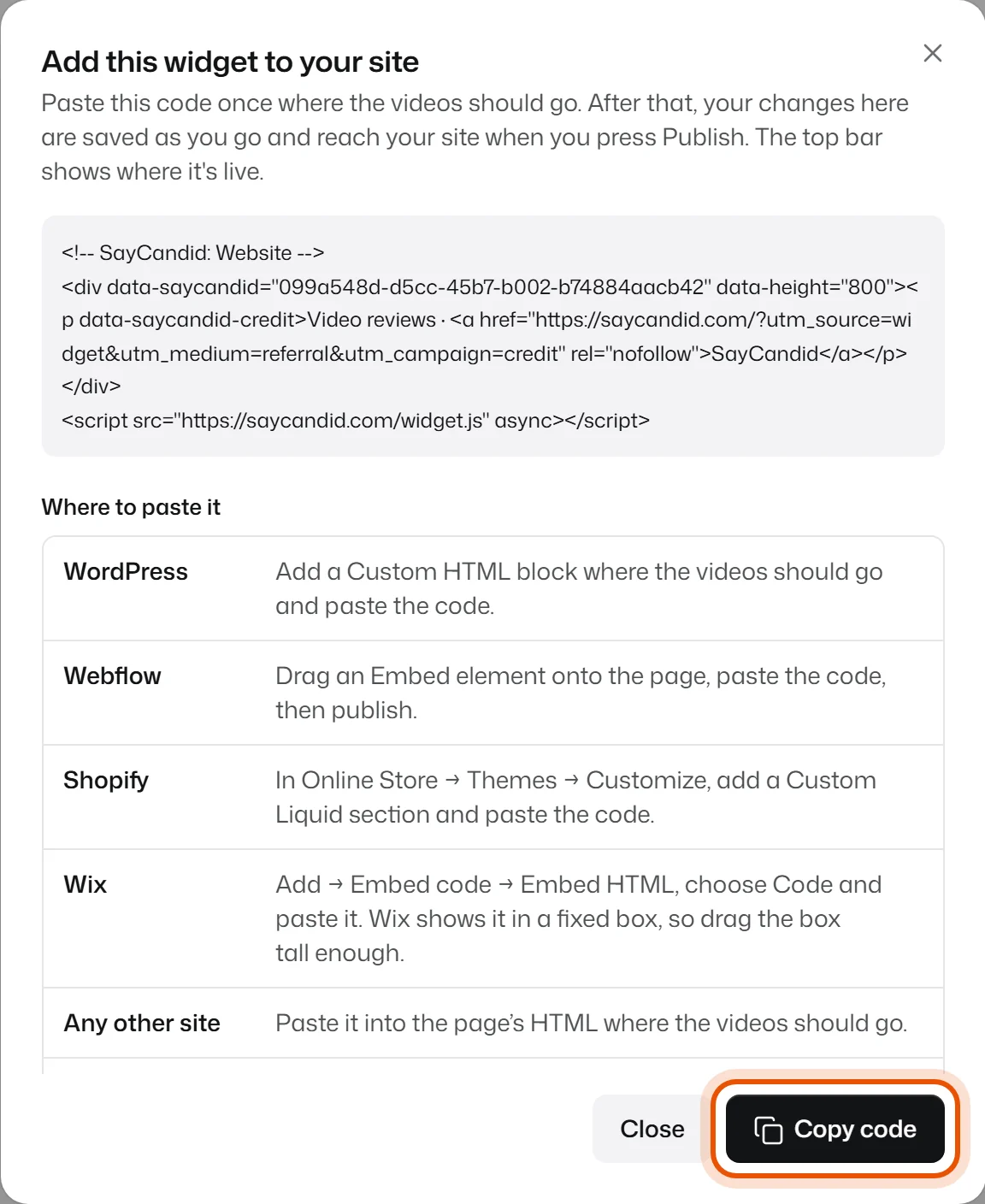
- Press Copy code.
3. Paste it on your website
Paste the code on the page where the videos should appear, in the spot where you want them. How you do that depends on your website builder. See Where do I paste the code? for WordPress, Shopify, Wix, Webflow and Squarespace.
Save or publish the page in your website builder, then open it. Your videos are there. Once someone has opened the page, the top bar in SayCandid shows Live on your website's address.
Someone else looks after your website?
Copy this message and send it to them with your code.
Hi! Could you add our customer video reviews to our website? They come from SayCandid. Please paste the code below once, on the page and in the spot where the videos should appear (as an HTML or embed block). It loads one small script from saycandid.com and fits itself to the page. After that it updates by itself, so there's nothing else to do. If the site has a Content-Security-Policy, please allow saycandid.com for scripts and frames. [paste the code from SayCandid → Widget → Get code here] Thank you!
From now on
You don't need to touch your website again. Until you copy the code, every change saves straight away. After that, changes wait as a draft so nothing half-done reaches your site: when you're happy, press Publish and your website shows them. See Why don't my changes show on my website?
Related
Didn’t solve it?
Search in your own words, or try the fix-it guides.