/
Can my customer send a video they already filmed?
Yes. They press "Upload a video instead" and pick a video from their phone or computer.
1 min read
- Your customer opens your link.
- They press Upload a video instead, under the orange Record a video button.
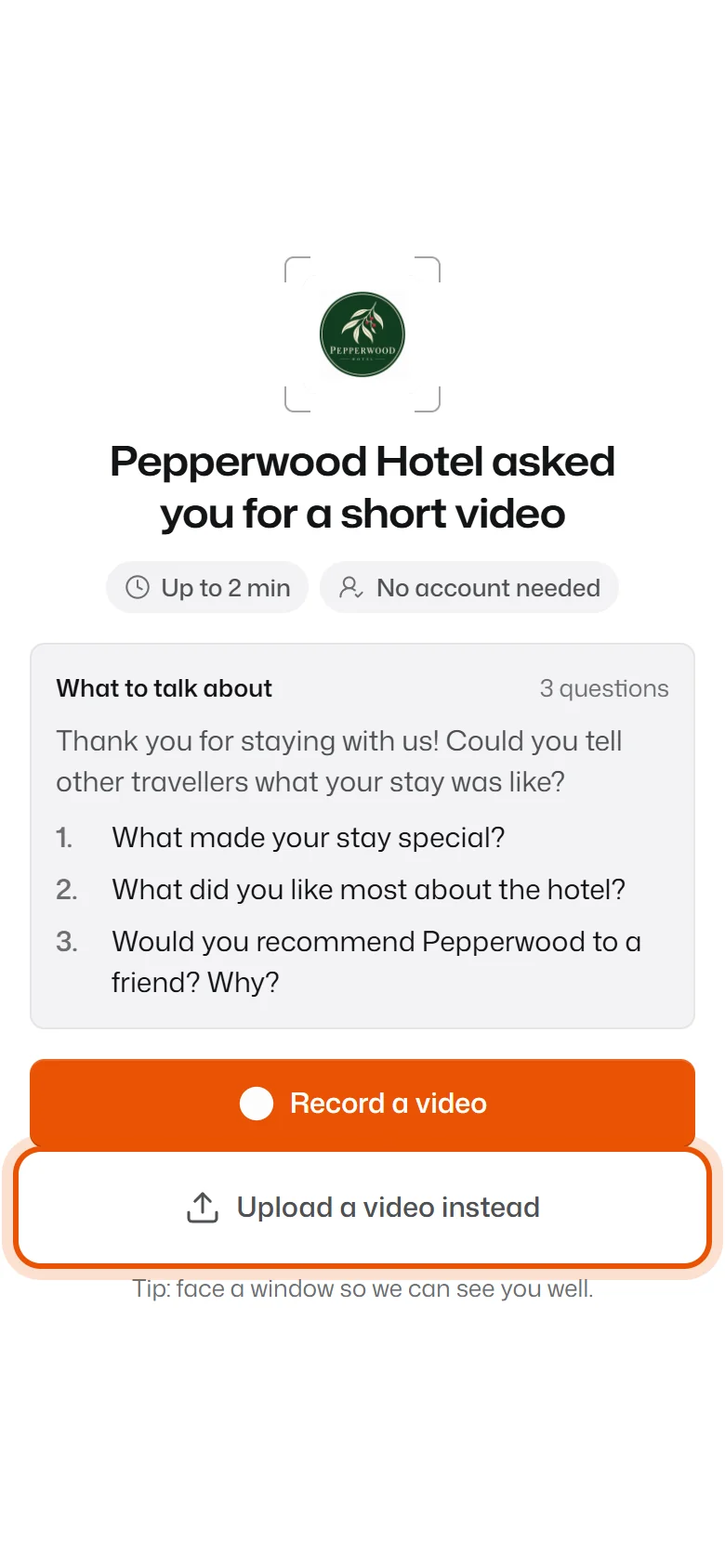
- They pick the video from their phone's gallery or their computer.
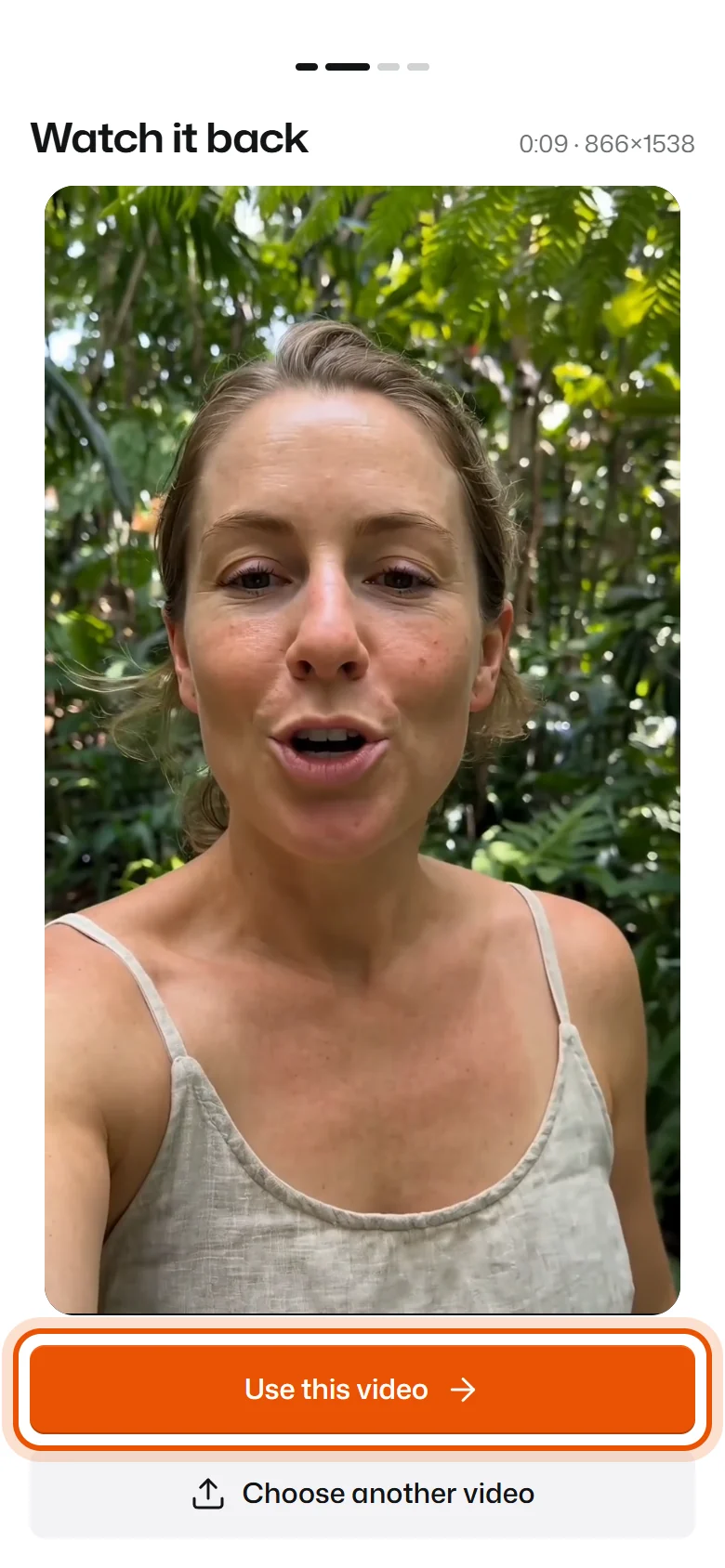
- They watch it back and press Use this video. Then they pick stars, type their name and press Send video, as usual.
Limits
- Up to 50 MB and 10 minutes. Phone videos of a minute or two are fine.
- It has to be a video file. Photos won't work.
"That video is too big"
Ask them to trim it on their phone first, or record a shorter one. Most phones can trim a video in the Photos or Gallery app.
Related
Didn’t solve it?
Search in your own words, or try the fix-it guides.