/
How do I create an account?
Sign up with Google or your email, confirm your email, and name your business. It's free and needs no card.
1 min read
Sign up
- Go to saycandid.com/signup.
- Press Continue with Google, or type your Work email and a Password (at least 10 characters) and press Create account.
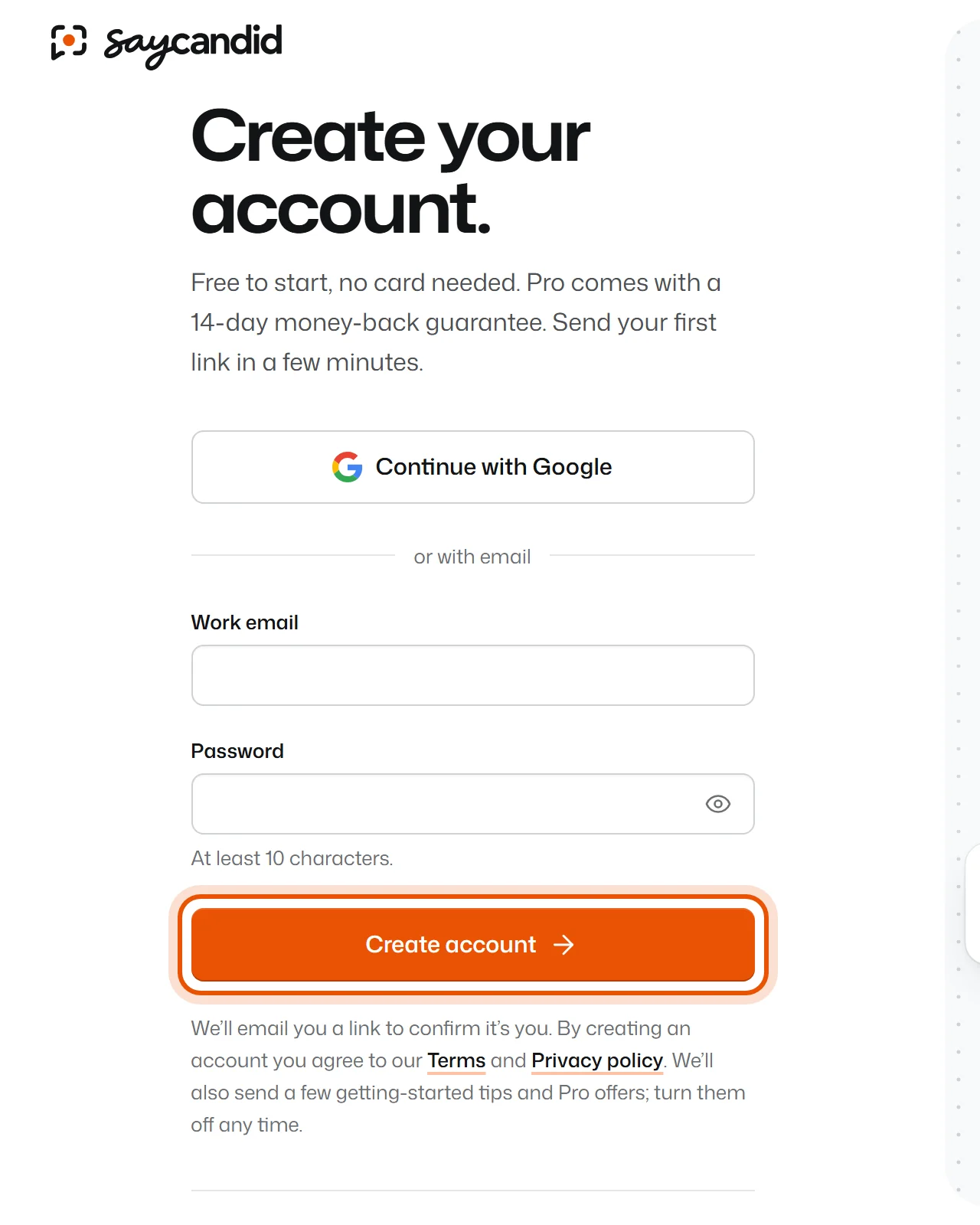
- If you used your email, we send you a message. Open it and press Confirm my email. It works on any device, so you can open it on your phone.
- Type your Business name and press Continue. This is the name your customers see when you ask them for a video. You can change it later.
That's it. You land on Video reviews, ready to send your first link.
Not working?
"I didn't get the email"
- Wait a minute or two, then check your spam or junk folder.
- On the Check your inbox page, press Send it again.
- Make sure the address is right. If it's wrong, press Start again and sign up with the right one.
"The link says it has expired or was already used"
You may have confirmed already. Go to Log in and sign in with your email and password. If that doesn't work, sign up again to get a fresh link.
"It says my password is too common"
Pick a password that isn't easy to guess and that you don't use anywhere else. A short sentence works well, for example four random words.
Related
Didn’t solve it?
Search in your own words, or try the fix-it guides.