/
How do I hide or delete a video?
Take it off your website, archive it to keep it out of sight, or delete it for good.
1 min read
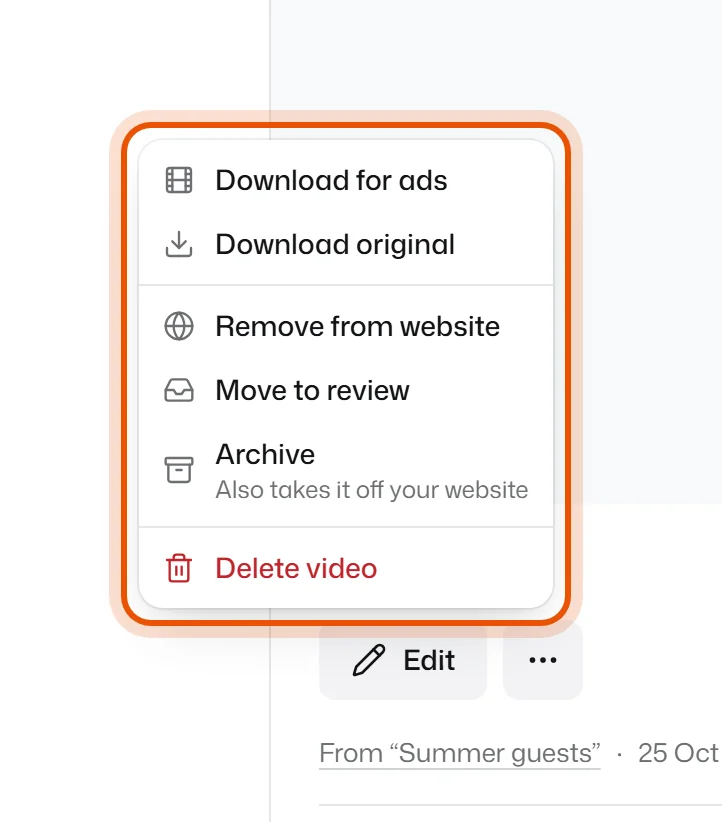
Open Video reviews, click the video and open the ⋯ menu next to the buttons. Pick what you need:
- Remove from website: takes it off your widgets. You keep it under Approved.
- Archive: hides it and takes it off your website too. Find it again under Archived. To bring it back, press Move to review.
- Delete video: deletes it for good, also from your website. This can't be undone.
If the video is on a widget that's live, removing it reaches your website when you press Publish on the Widget page.
Related
Didn’t solve it?
Search in your own words, or try the fix-it guides.