/
How do I ask a customer for a video?
Make a link in about a minute, then send it to your customer. Everything is filled in for you.
1 min read
A "request" is a link you send to a customer. They open it, record a short video and send it to you.
Make the link
- Press the orange New request button at the top left.
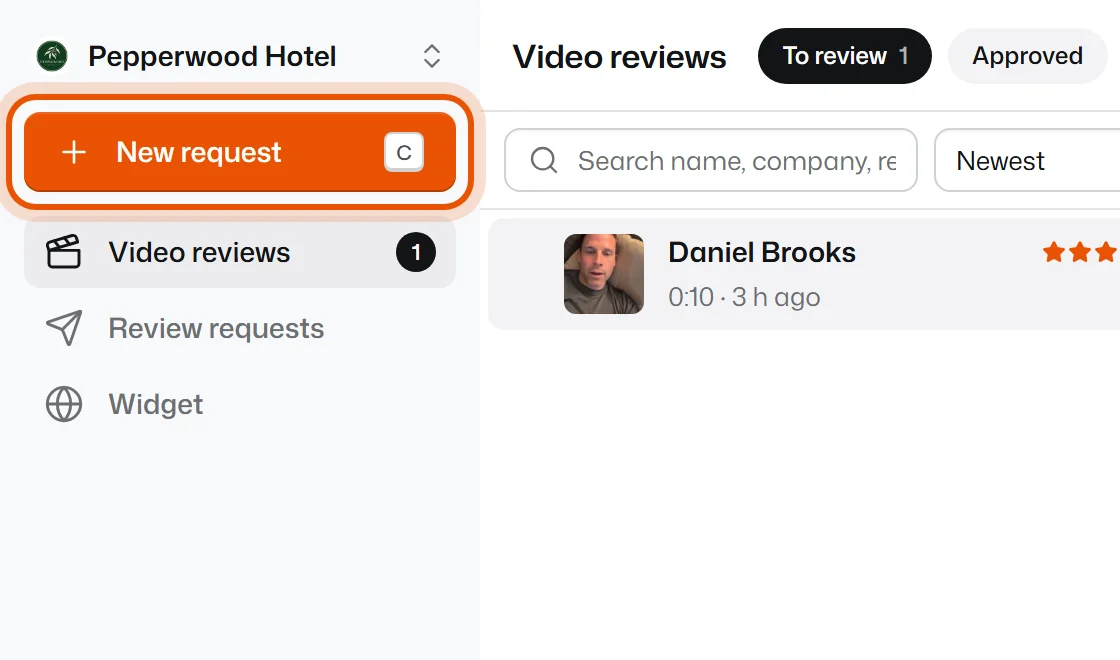
- In For, type who it's for, for example "Sam from the June wedding". Only you see this. It helps you find the video later.
- Read the Note on their screen and the Questions. They're already filled in with good suggestions. Change the words if you like.
- Press Create and copy link.
The link is copied, ready to paste. Now send it. See How do I send the link to my customer?
The other steps are optional
The tabs at the top of the form are there when you want them. You can skip them.
- How it looks: who your customer sees asking. It comes from your Settings.
- After they send: what your customer gets after sending, for example a discount code or a Google review. See How do I give a thank-you gift?
- Options: how long the video can be (up to 2 minutes on Free, 10 on Pro), how many videos the link takes, and when it stops working.
"Some video lengths are greyed out"
On the Free plan a video can be up to 2 minutes. Longer videos (3, 5 or 10 minutes) come with Pro. Most good video reviews are under a minute anyway.
Related
Didn’t solve it?
Search in your own words, or try the fix-it guides.