Review software vs video testimonial software: what do you need?
Looking for a review tool? Learn what review software and video testimonial tools do, and whether you might need both.
The SayCandid team6 min read
Key takeaways
- Review tools can help you ask for, keep track of and reply to public reviews.
- Video testimonial tools help you collect customer videos and share them on your website or in ads.
- You can use both. Start with the job you need to do.
In this article
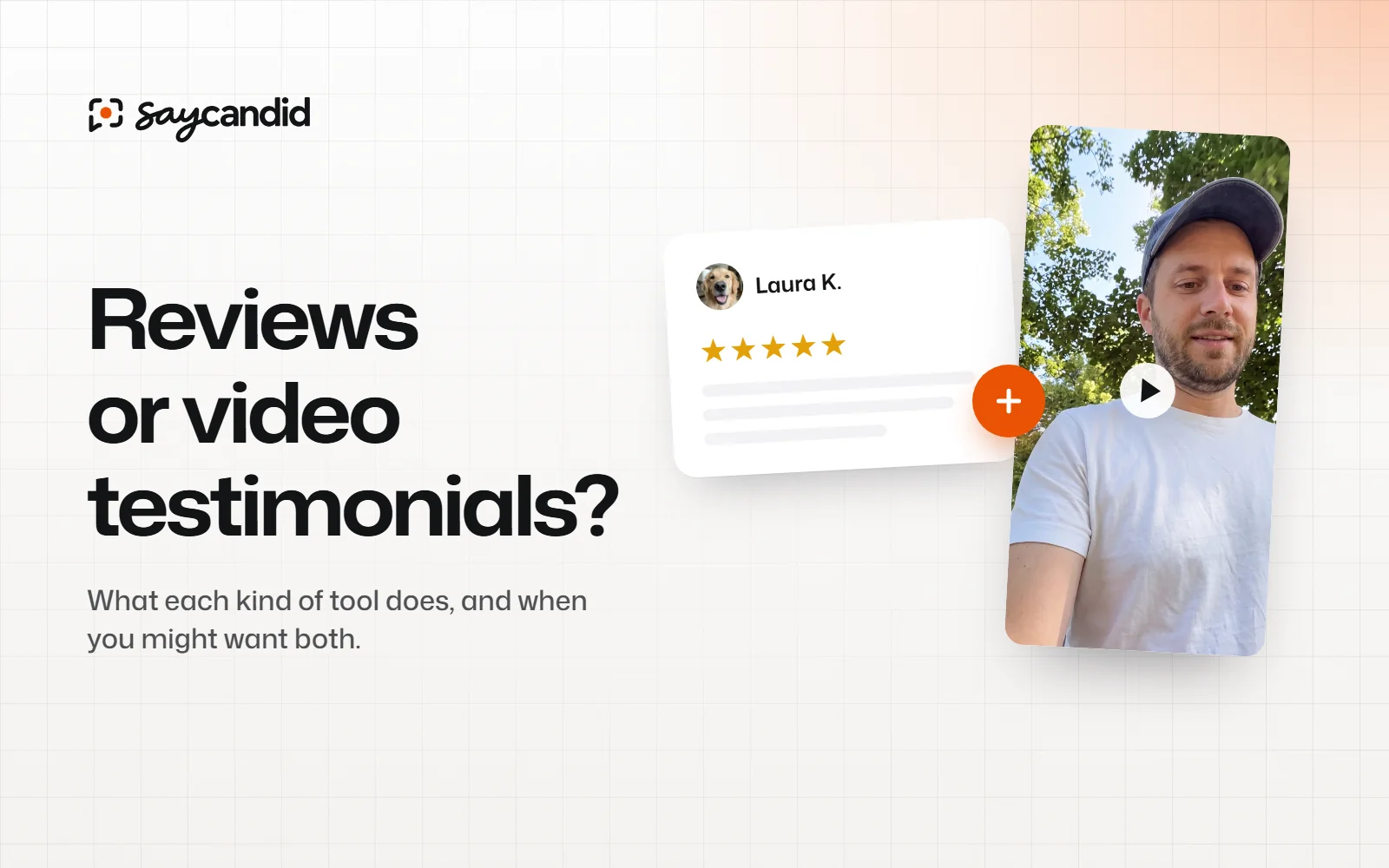
Review software can help you ask for reviews and keep track of what people post. Video testimonial software helps you collect videos from customers and share them on your website or in ads. Depending on what you need, you might use one or both.
Maybe you're looking for a way to get more Google reviews. Or maybe customers are already saying nice things and you'd like to show those stories on your website. Before choosing a tool, it helps to know which job you want it to do.
Reviews and testimonials: what's the difference?
A review is usually something a customer leaves on a review site or product page. Someone can look up your business, read what people have written and compare you with other options.
A testimonial is a customer's experience that you share in your marketing. It might be a quote on your website or a video of someone talking about working with you.
People often use the words to mean the same thing. The FTC explains the difference in its US guidance. For now, think about what you want to collect and where you'd like people to see it.
What review management tools usually do
Depending on the platform, a review management product may help you:
- Ask customers to leave reviews on supported sites.
- Monitor reviews across one or more platforms.
- Receive notifications when a review appears.
- Respond to reviews or manage responses across locations.
- Report on ratings, feedback or review trends.
Not every tool does all of this. Check that it works with the review sites and locations you need.
This can be handy if you want to see what people are saying and make sure someone on your team replies. It's also worth looking into if you have several locations or review profiles to manage.
What video testimonial software usually does
A video testimonial tool gives customers a way to record or upload a video for you. Some tools also let you add questions, edit the video, add captions and put it on your website.
With SayCandid, you send your customer a link with your questions on it. They record or upload a video and watch it back before sending. You can then approve it, add it to your website or download a captioned version for an ad.
If you set it up, your customer can also get a Google review draft based on what they said. They decide whether to change it and post it themselves. SayCandid won't monitor all your public reviews or reply to them for you.
Which tool should you choose?
| What you need | Start with |
|---|---|
| Monitor and respond to public reviews | A review management tool that supports your platforms |
| Ask customers to record on video | Video testimonial software |
| Put customer videos on your website | Video testimonial software with a website widget |
| Manage review activity across locations | A review management tool with the required location features |
| Use customer videos in ads | A video workflow with permission, editing and downloads |
| Keep public reviews and collect videos | Consider both, based on your budget and workflow |
Already collecting Google reviews? Keep doing that. Someone looking up your business can read them there. A customer video can give people more detail when they're on your website or reading your proposal.
A quick way to decide
"I need to see and reply to reviews on different sites." Start by looking for a review management tool that supports those sites and the number of locations you have.
"I already get reviews, but I want customers talking on my website." Start with a video request. Ask a customer to describe their experience, then put the approved video on the page it relates to.
"I need both." Use a review tool for the public profiles it supports and a video tool for the recordings. Check the cost and work involved in each before paying for both.
Get your Google review link
If you manage a Google Business Profile, you can make a review link or QR code and share it with customers. Google's instructions show where to find both. Google says QR codes are currently generated in a computer browser.
You can also set up SayCandid's optional Google review step. After the customer sends their video, they're offered drafts based on what they said. They choose whether to copy one, edit it and post it themselves.
What to compare before buying
1. Where will the content appear?
Where do you want people to see your customers' stories? Make a list: review sites, your website, proposals, social posts or ads. Then check whether each tool can help you get them there.
For a website widget, check how to add it to your site. For review software, check which review sites it works with and whether you can read or reply to reviews from the tool.
2. What does the customer have to do?
Think about what you're asking your customer to do. Can they open the link on their phone? Do they need to make an account? Can they watch their video before sending it? If you're asking for a public review, does the link take them to the right place?
If a tool offers a review draft, your customer should decide what to post and make sure it reflects their experience. Don't post a review for them as though they wrote it.
3. What can you do with the recording?
Can you watch the video before it appears on your website? Can you trim it, add captions and download it? If you want to use it in an ad, check that the customer agreed and that any claims and disclosures are accurate.
4. What happens as you grow?
Look at the limits that matter to you: locations, team members, videos, downloads and reminders. A free plan may be enough to get started. Check what would make you need an upgrade later.
Don't treat a thank-you gift as payment for praise
If you offer a gift, don't ask for a positive opinion in return. Check whether you need to mention the gift when you share the testimonial. Review sites can have their own rules too. In SayCandid, the Google review option is separate from the gift option. Read the FTC's guidance and check the rules of the site you use.
For Google reviews specifically, don't offer a gift or discount in exchange for a review, even if you don't ask for a positive one. Google also says not to pressure someone to review while they're on the premises or request specific review content. Read Google's current policy before setting up your process.
For a plain-English summary, here's a guide to the 2026 Google review policy changes. For the exact current rules, check Google's own policy too. Its wording is about pressure and requests for specific content. It doesn't forbid a customer from mentioning a staff member on their own, and the policy page doesn't name kiosks or tablets. What it rules out is pressuring people to review while they're on your premises.
A practical next step
If your review tool is working for you, keep using it. Want to collect customer videos too? Add two or three questions to a SayCandid request and send the link to a customer. They decide whether to record, and you decide whether to share the video.
See how to ask for a video and how to add approved videos to your website.
Questions people ask
- What is the difference between a review and a testimonial?
- A review is usually something a customer posts on a review site or product page. A testimonial is a customer's experience that a business shares in its marketing.
- Does video testimonial software replace review management software?
- Not necessarily. Review software may help you keep track of and reply to reviews across different sites. A video testimonial tool helps you collect and share customer videos.
- Can I use customer videos and Google reviews together?
- Yes. A business can use public reviews as one source of feedback and, with permission, customer videos on its own website or in advertising.
Keep reading
Website conversions4 min read
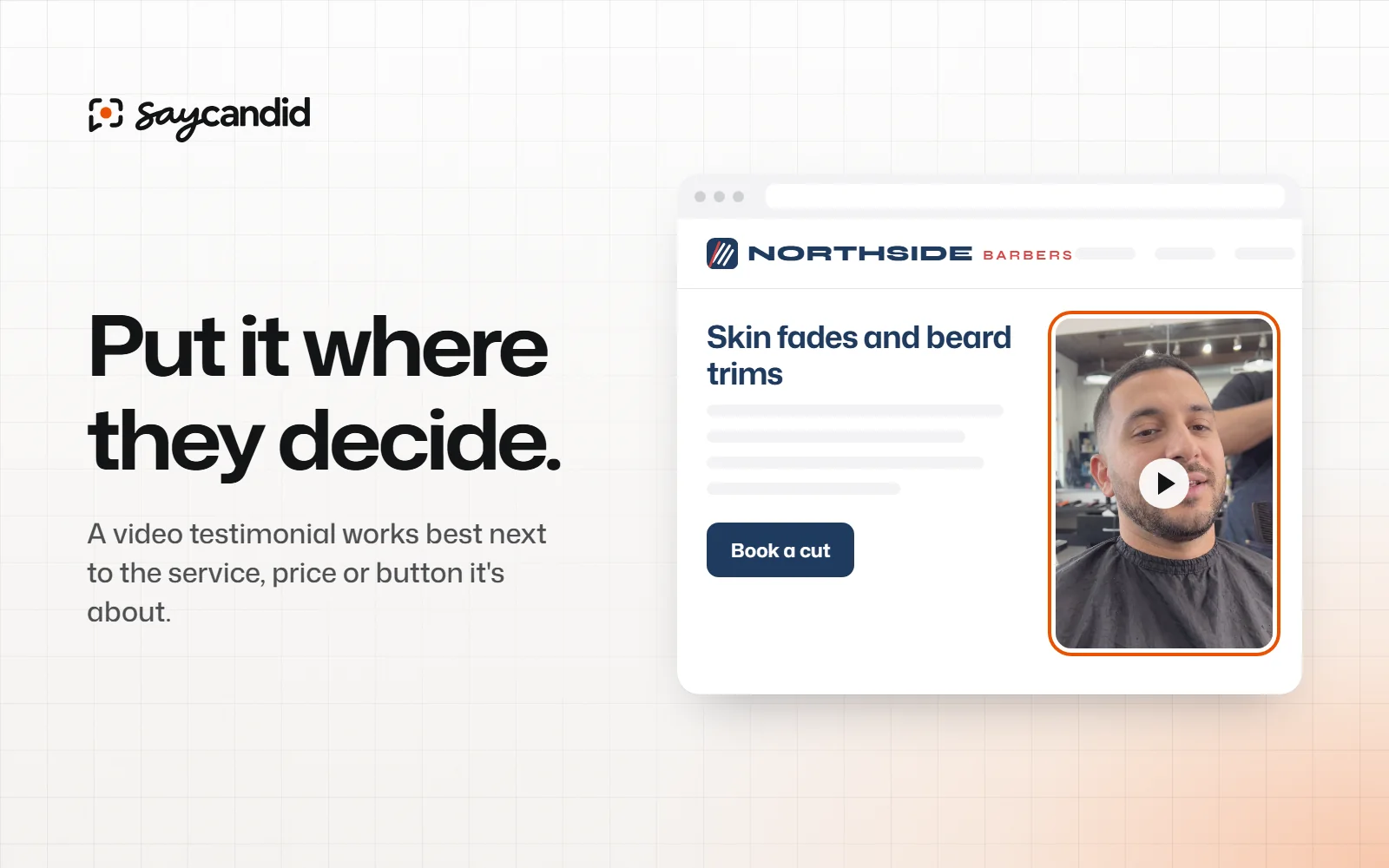
Where to put testimonials on your website
Not sure where to put customer testimonials? Here are the pages and places to try, from your homepage to your booking button.
Customer testimonials5 min read
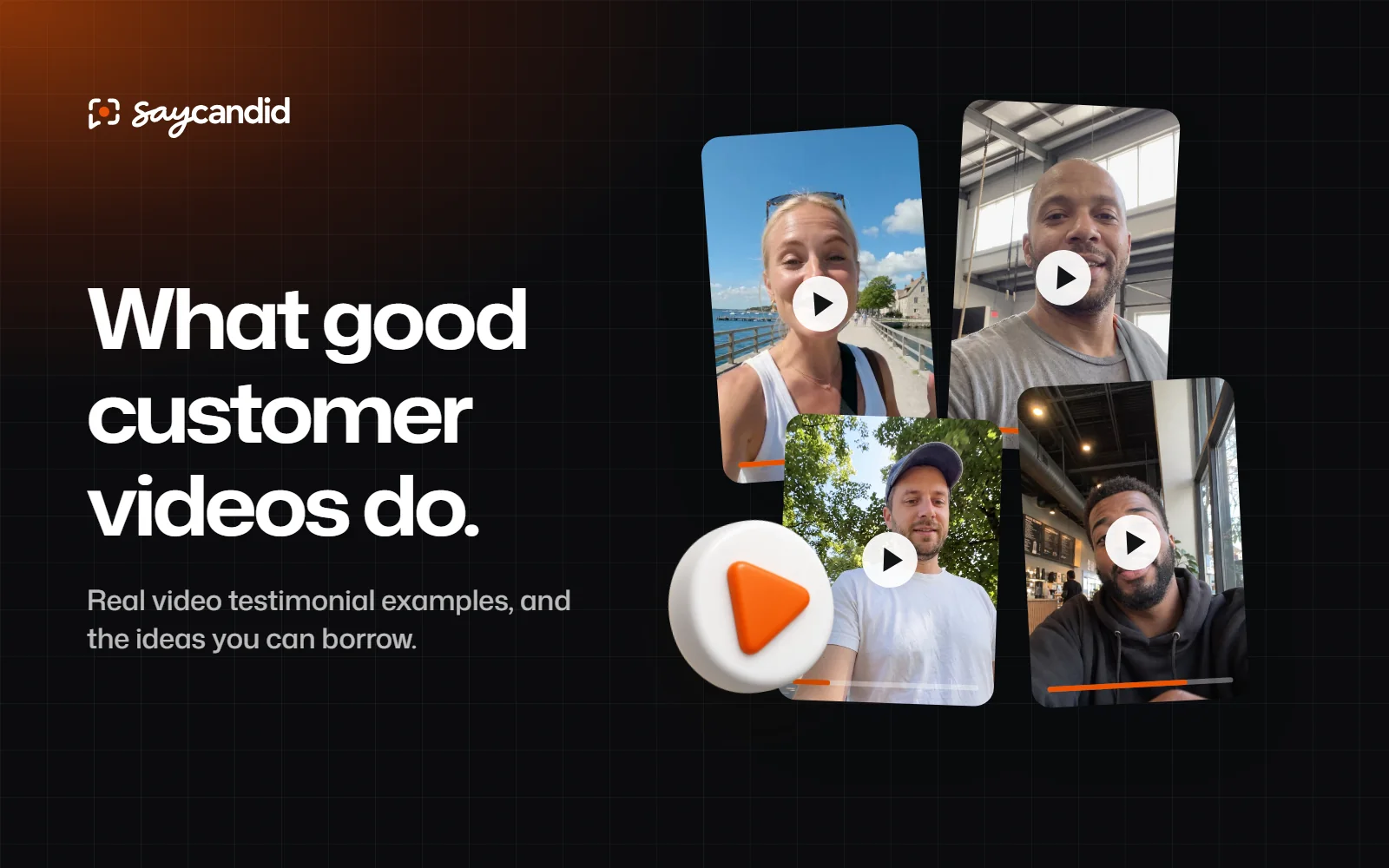
Video testimonial examples and what makes them useful
See real video testimonial examples from businesses and find ideas for collecting your own customer stories.