Where to put testimonials on your website
Not sure where to put customer testimonials? Here are the pages and places to try, from your homepage to your booking button.
The SayCandid team4 min read
Key takeaways
- Put each testimonial near the part of your website it relates to.
- A video about a service belongs on that service's page.
- Keep prices, booking details and other important answers easy to find without watching a video.
In this article
- 1Start with the page's question
- 2See three example layouts
- 31. On your homepage
- 42. On the matching service or product page
- 53. Near pricing or a proposal link
- 64. Near a booking or contact action
- 75. On a dedicated customer stories page
- 8How many testimonials should you show?
- 9Make the videos easy to use
- 10Add a video wall with SayCandid
Put testimonials where people are deciding what to do next. That might be your homepage, a service page, your pricing page or the place where someone books. Pick a story that fits what they're looking at.
Think about the last time you looked at a business you hadn't used before. Could they do what you needed? What would it be like to work with them? Had other customers been happy?
Your visitors may have those questions too. And if all your customer stories are tucked away on a separate page, they might never find the one that answers them.
Start with the page's question
Before you pick a video, ask yourself: "What might someone want to know on this page?"
| Page | Question the visitor may have | Useful customer story |
|---|---|---|
| Homepage | Is this business a fit for me? | A clear description of who the customer is and why they chose you |
| Service page | Can they help with my situation? | An experience with that particular service |
| Product page | What is it like to use? | A customer explaining or showing how they use the product |
| Pricing page | What am I getting? | A customer describing the work or experience they valued |
| Booking or contact page | What happens next? | A customer discussing their first visit or getting started |
Start there. Read each page and look for a story that fits. You don't need to put the same video everywhere.
See three example layouts
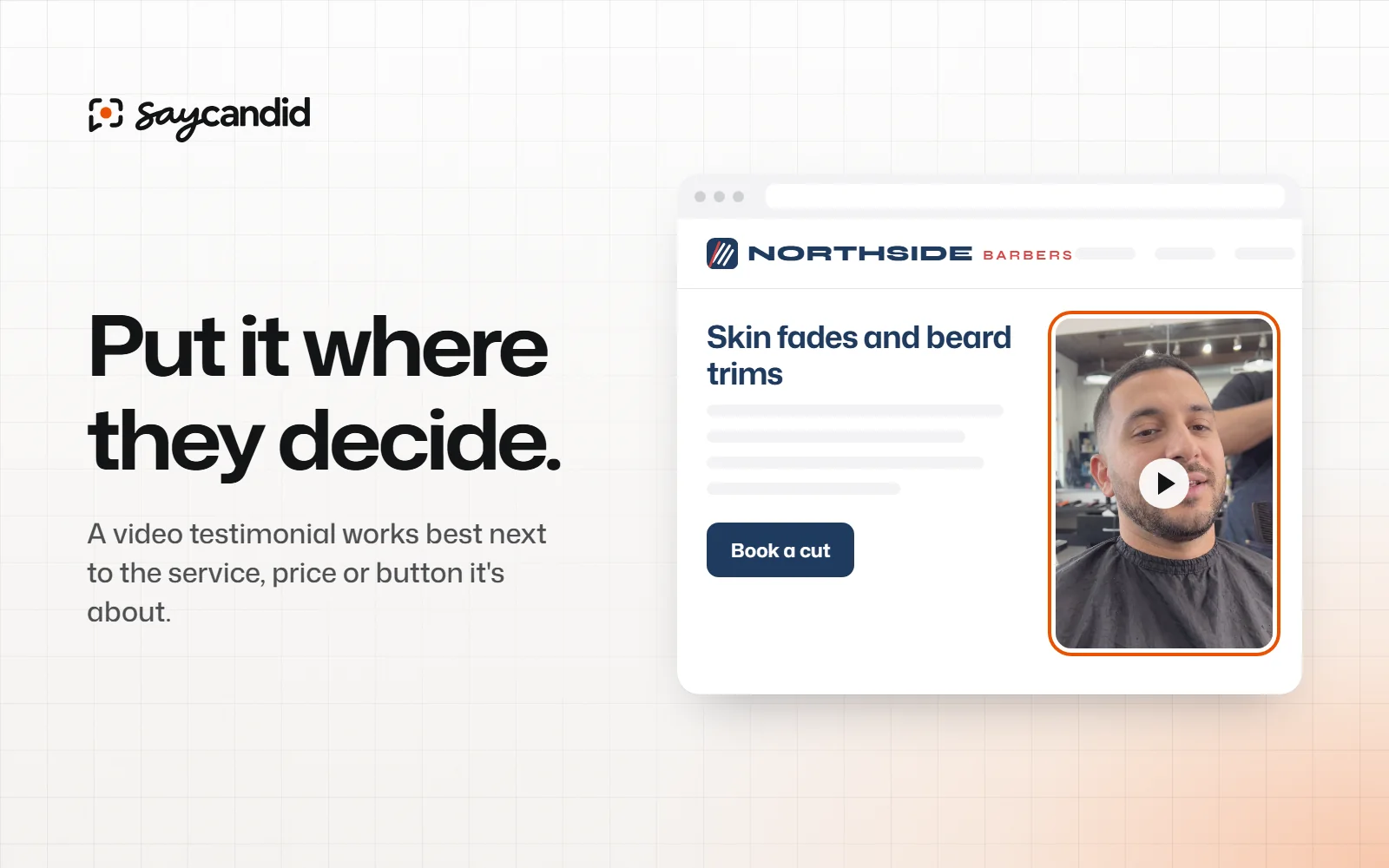
These are simple made-up layouts, not real customer pages. They show how you could place a relevant video beside a service, under pricing details or near a booking button.
You don't have to copy the design. The useful part is the placement: put the story near the information it helps explain.
1. On your homepage
First, make sure your homepage explains what you do. Then you can show a short video from a customer who's used your business.
Pick a video that makes sense to someone who's never heard of the customer or project. With the customer's permission, say who they are and what they're talking about. For example, "A homeowner talks about having their kitchen renovated" tells people more than "Watch our testimonial."
Keep your services and contact details easy to find too.
2. On the matching service or product page
A video about a wedding haircut is more useful beside your wedding service than buried in a general gallery. An agency prospect looking for website work needs a story about a relevant website project, not an unrelated service.
Put the video near the service it talks about. Add a short line so visitors know what the customer is discussing. If you offer several services, you can choose a different video for each page.
Need ideas for the stories to collect? Start with these video testimonial examples.
3. Near pricing or a proposal link
When someone checks your prices, they may be wondering what's included and what working with you is like. A customer talking about their experience can help them picture it.
Still, make the price and what's included easy to find. A video can't replace those details.
If a customer mentions a result, check the details and keep the context. Don't suggest everyone gets the same result unless you can support that.
4. Near a booking or contact action
Someone might be ready to get in touch but still wonder what happens next. A customer talking about their first visit or call can help them picture it.
Keep the contact form or button easy to find. They shouldn't have to hunt around the video to book.
5. On a dedicated customer stories page
A separate page gives people a place to see more stories. It can be useful if you have videos about several services or types of customer.
Tell visitors a little about each video. What did the customer buy or book? What are they talking about? If the customer agrees, you can include their name and role too.
Link to the stories page from your menu or service pages. You can also put each video on the page it relates to, so visitors don't have to find the gallery first.
How many testimonials should you show?
There's no perfect number for every page. Start with one or two that fit. Add more if they tell people something different. Five customers saying "great service" may tell a visitor less than two talking about different parts of the job.
On a longer page, put each story near the section it relates to. On a short booking page, one video might be enough.
Make the videos easy to use
- Add captions and check them. Names, locations and product terms can be transcribed incorrectly.
- Keep written information available. A visitor should not have to play a video to find a price or understand how to book.
- Check on a phone. Open the live page yourself and make sure the video and surrounding text are usable.
- Use a clear introduction. Tell visitors what the speaker is discussing.
- Respect permission. Confirm that the customer agreed to the intended use and keep a record.
Add a video wall with SayCandid
Once you've collected and approved a video in SayCandid, choose where you want to show it. Copy the widget code into your website editor. Our installation guide shows you where to put it in WordPress, Shopify and other builders.
On Free, the widget shows up to six videos. Pro shows all of them, on as many widgets as you like, and lets you turn off the SayCandid label. Check the current pricing for the full plan details.
Choose one page where a customer story would answer a question, then add your first video to your website.
Questions people ask
- Where should testimonials go on a website?
- Try your homepage and the pages where people look at your services, check prices or decide to get in touch. Pick a testimonial that fits what they're reading about.
- Should every testimonial go on a separate page?
- No. A separate page is a good place to collect stories, but you can also put them alongside your services, products and booking details.
- Can I add video testimonials to WordPress or Shopify?
- Yes. SayCandid provides an embed code you can add using a suitable HTML or custom code block. Check your site's editor and preview the result after publishing.
Keep reading
Customer testimonials5 min read
Video testimonial examples and what makes them useful
See real video testimonial examples from businesses and find ideas for collecting your own customer stories.
Website conversions6 min read
Small business website checklist: what to include before you launch
Getting your small business website ready? Check your services, contact details, booking process and more before you share it.